Introduction
When you start a business, deciding between Excel vs inventory software is one of the most important tasks you face. Choosing between these tools dictates how you track your products, sales, and supply chains every single day. However, as your sales increase and your product catalog grows, you might start to wonder if there is a more efficient way to manage your stock.
This brings up a common debate: Excel vs inventory software. Choosing between these two methods is a significant decision that will change how your business runs. While a spreadsheet might feel comfortable, it can quickly become a major bottleneck if you are trying to scale your revenue. On the other hand, software is built specifically to handle the heavy lifting of inventory, though it does come with a price tag.
In this blog, we will look at both options to see which one makes the most sense for your goals. We want to help you save time, reduce mistakes, and keep your customers happy. By the end of this guide, you will clearly understand if you should stick with your spreadsheets or take the leap into a dedicated management system. Learn how Retiva helps retailers make this transition successfully.
✨ What Is Excel Inventory Management?
Excel is a powerful program that many people use to create lists, do complex math, and organize business data. For inventory, it allows you to build custom templates where you can log product names, unique SKUs, and current stock counts. It is essentially a digital paper trail that you control entirely yourself.
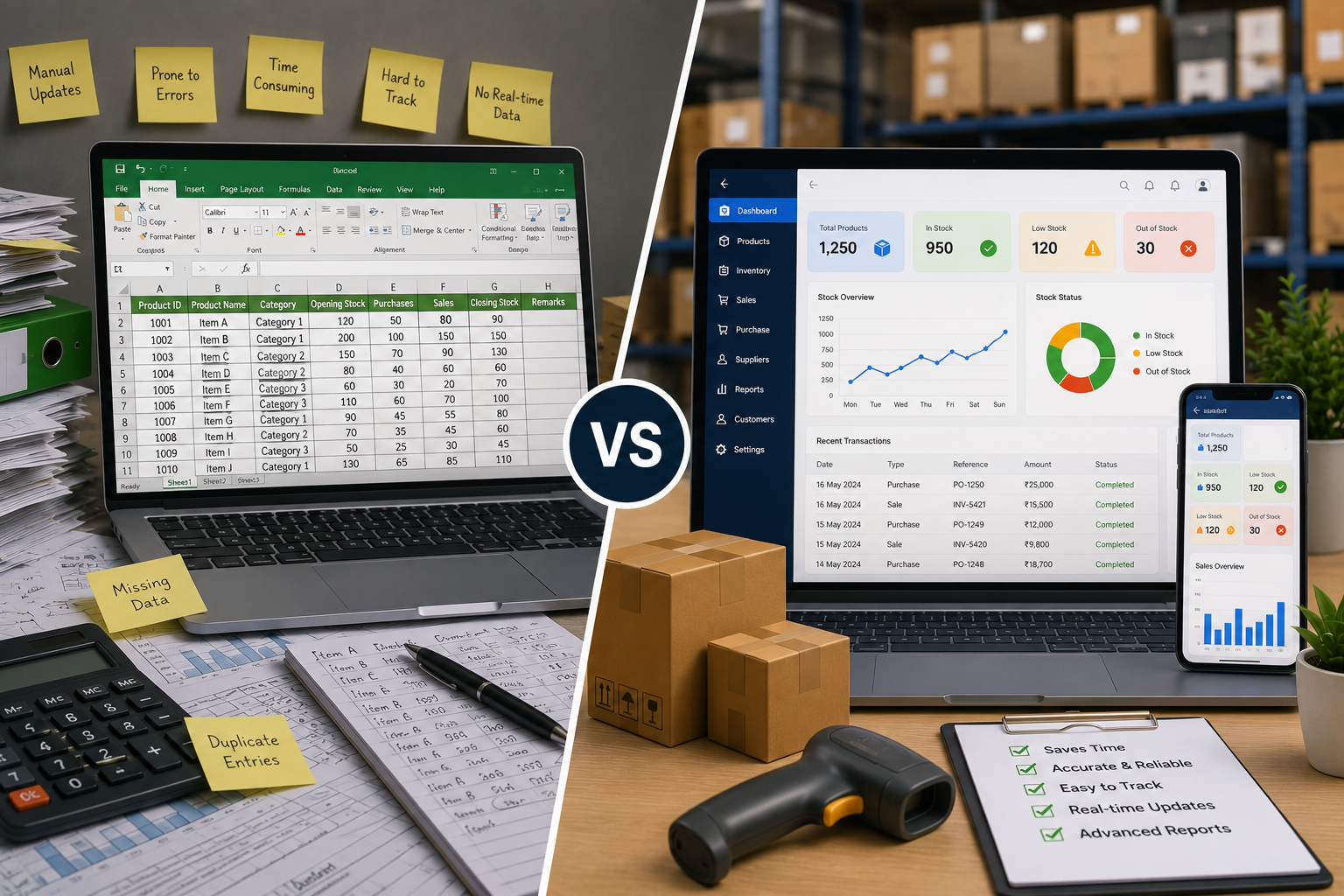
However, it is important to remember that it is not automatic. If you forget to update one cell after a busy day of sales, your data will be wrong. Also, Excel does not connect to your sales system, which means you have to manually enter everything twice. This makes Excel vs inventory software a difficult choice when you have hundreds of sales a day.
✅ How businesses use Excel for inventory tracking
Most owners set up specific columns for product descriptions, unit prices, and total quantity. When a new shipment arrives, they manually add the number to the sheet. When a customer buys an item, they subtract it. It is a simple, visual way to see your stock levels at a glance with basic spreadsheet formatting.
✅ Benefits of managing inventory with Excel
It is almost always free if you already have the program installed on your computer. You don’t need a constant internet connection to work on your file. It is fully customizable, so you can make it look and function exactly how you want it to based on your unique business needs.
✨ What Is Inventory Management Software?
This type of software is a specialized tool created just to track goods throughout their entire lifecycle. It usually connects directly to your online store or your physical cash register. When an item is sold, the system automatically updates your inventory in real-time, removing the need for manual data entry.
It acts like a digital assistant that never sleeps and never forgets to update the records. Because it is built for this specific purpose, it offers deeper insights into your business than a basic spreadsheet ever could. Excel vs inventory software comparison shows that software is often the clear winner for businesses wanting to eliminate human error.
✅ How inventory software works
When a product sells, the software records the transaction and subtracts the item from your digital shelves instantly. It even checks if you are running low on stock. It provides a level of clarity and control that manual systems simply cannot match in the Excel vs inventory software debate.
✅ Key features that simplify inventory management
Low-stock alerts that ping your phone before you run out of popular items. Barcode scanning to make checking in new stock lightning-fast and error-free. Automated reporting that shows your best-selling items instantly without manual work.
✨ Excel vs Inventory Software: Key Differences
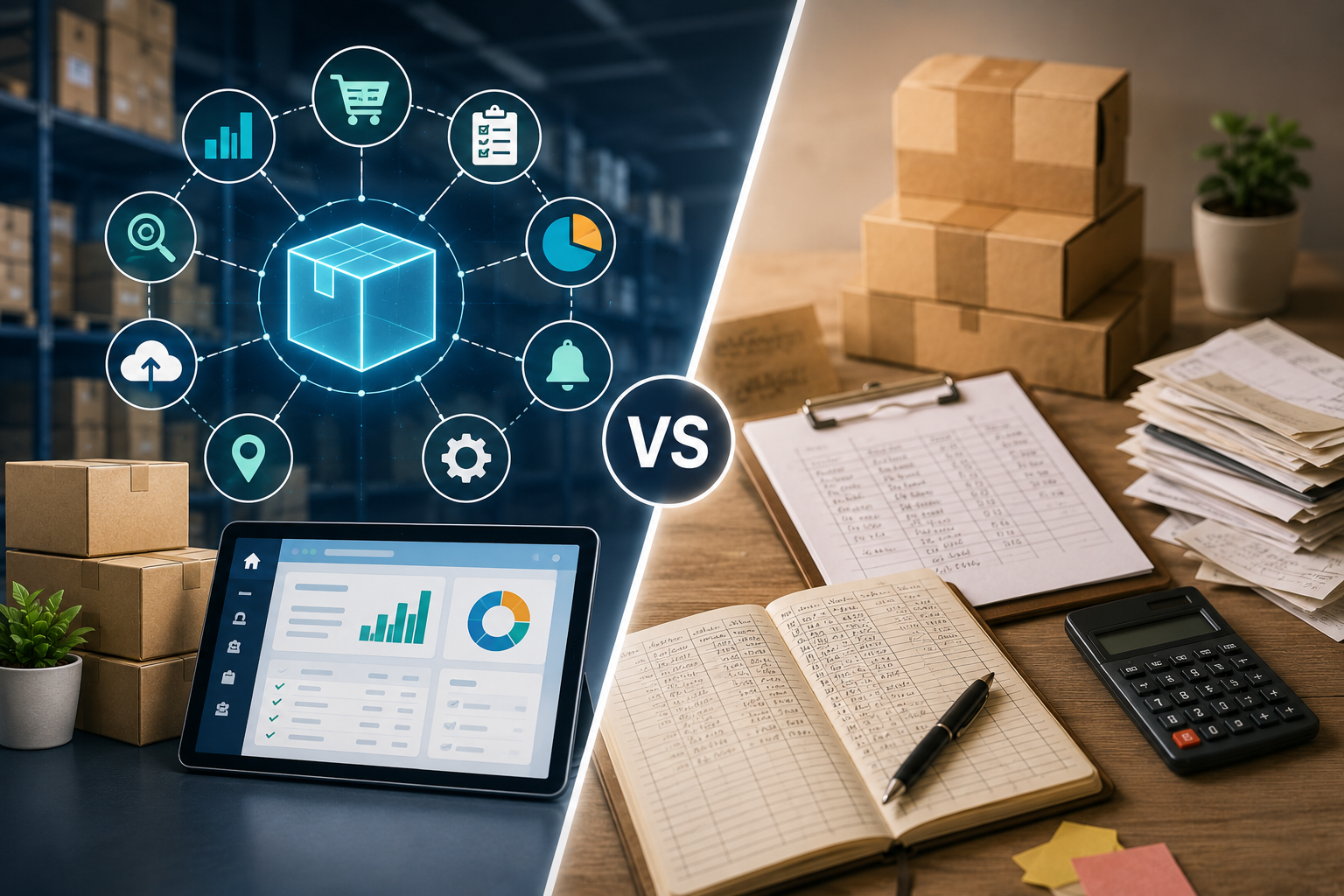
The main difference is between manual work and automation. Excel is a tool for organizing data, while software is a tool for managing a business process. Understanding this gap is essential for every growing shop wanting real efficiency in the Excel vs inventory software choice.
Excel requires you to stop and manually update information. Software updates the second a sale is made. This real-time data allows you to make smart, data-backed decisions about what to order next. In the Excel vs inventory software comparison, Excel always leaves you one step behind because you have to wait until you have time to update your manual entries.
✅ Accuracy and error reduction
Software wins decisively on accuracy in the Excel vs inventory software comparison. Humans make typos; software does not. If you have a busy week, you will likely make a mistake in a spreadsheet, but the software will continue to record every single item perfectly without exception or human error.
✅ Automation and real-time updates
When software connects to your sales channels, you gain instant visibility. You do not need to wait until the end of a shift to see your current stock levels; you can view them live. This immediate access to data allows you to plan your purchasing strategies with much greater agility and confidence.
✨ Cost Comparison: Which One Really Saves You Money?
When people look at Excel vs inventory software, they often focus only on the monthly subscription bill. But you must also think about the cost of your time. If you spend hours every week managing spreadsheets, that is time you are not spending on finding new customers or improving your products.
Excel has low upfront costs, but it costs you in labor. Software has a monthly fee, but it pays for itself by preventing the loss of items and saving you hours of time every single week. When you calculate the value of your time, the Excel vs inventory software debate usually swings toward software decisively.
✅ Hidden costs of using Excel
The hidden cost is your hourly wage. If you spend five hours a week updating spreadsheets, and you value your time at a high rate, you are essentially losing a lot of money every single month. This makes Excel much more expensive than most professional software subscriptions when you account for true labor costs.
✅ Long-term return on investment with inventory software
If your software prevents you from over-ordering items that don’t sell, you save money immediately. That is a return on investment. The best systems help you optimize your cash flow, which is vital for any growing business wanting to survive in a competitive market successfully.
✨ Advantages of Using Excel for Inventory Management
There is a reason why Excel is still used by so many people. It is a reliable, offline tool that gives the user total control over their data structure without any monthly fees. It provides a simple, familiar interface that does not require you to learn a new language when choosing Excel vs inventory software.
However, as your business grows, the limitations of this approach become obvious. While it is perfect for a side project, it becomes a burden for a full-time store in the Excel vs inventory software evaluation. The choice often feels like choosing between freedom and professional structure.
✅ Easy to get started
You can create a new sheet in seconds. You don’t need a tutorial or a training manual to start writing down your stock levels, which is incredibly helpful when you are in a rush. This accessibility makes Excel vs inventory software an obvious choice for brand-new startups with limited resources and time.
✅ Suitable for small inventories
If you sell five different items at a local market, Excel is perfect. You don’t need a complex system for a small catalog, and Excel handles simple lists with no problems at all. This is where Excel vs inventory software usually ends in a tie for hobbyists and weekend vendors.
✨ Advantages of Using Inventory Software
Using dedicated software moves your business from managing to thriving. It gives you back the hours you used to spend on spreadsheets so you can focus on marketing and sales. It turns your backroom from a place of stress into an organized, data-driven engine that powers your growth.
When your data is organized and accurate, you can scale your business much faster. You aren’t held back by your own records, which is the biggest advantage of moving from Excel vs inventory software. You gain confidence that your shelves are managed perfectly.
✅ Better reporting and business insights
The software tells you exactly which products are making you money. You can see trends, such as which months are the busiest, and plan your purchases based on real evidence rather than just a hunch. These insights help you optimize your business strategy significantly.
✅ Improved productivity and business growth
When you stop worrying about spreadsheets, you can start worrying about how to better serve your community. This transition simplifies your life and clears the path for bigger goals. Excel vs inventory software becomes a turning point for company success.
✨ Challenges of Excel vs Inventory Software
Every system has its own set of headaches. Even though software is better for growth, it does require a learning period. Even though Excel is familiar, it creates issues as you expand. Acknowledging these challenges helps you make an informed Excel vs inventory software choice.
New users often worry about the cost or the learning curve of new tools. It can feel intimidating to move your entire business history into a new platform, but most providers offer great support. When you compare Excel vs inventory software, remember that the upfront effort will pay off in efficiency.
✅ Common problems with Excel
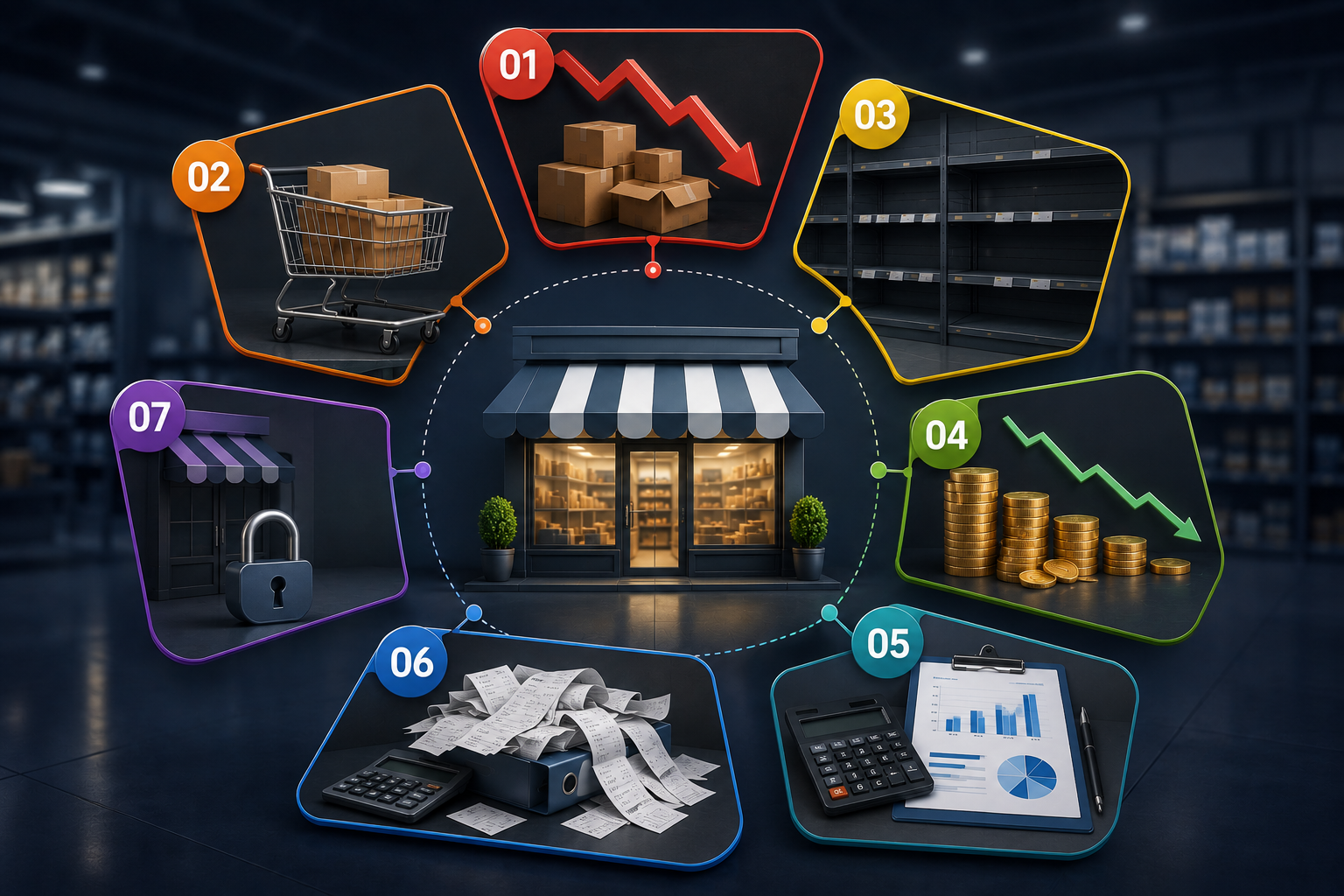
The biggest problem is file corruption or simple human error. If someone deletes a row or types the wrong number, your entire stock count could be ruined. This is a major risk for any business relying on it for Excel vs inventory software daily decisions.
✅ How businesses overcome these challenges
Start by running your old system and the new software side-by-side for a week. This ensures you are confident in your new tool before fully committing to the Excel vs inventory software transition. Most retailers find this approach works well.
Conclusion
Choosing between Excel vs inventory software is one of the most important steps you will take as your business expands. While Excel is a wonderful, free way to start, it is not designed to handle the fast-paced nature of a growing retail store. When you rely on manual entry, you are limiting your own growth and opening the door to mistakes that cost you time and money.
Moving to software might feel like a big step, but it is the best way to professionalize your operations. It provides you with real-time data, accurate counts, and the confidence to grow your shop without the fear of your records failing you during busy seasons.
It is about investing in the future of your business rather than just trying to get through today. Make the move today, and watch how much more productive your business becomes by finally moving on from the Excel vs inventory software dilemma.
Request a free demo today to see how the right solution transforms your business operations.
FAQs
When should I switch from Excel?
If your stock counts are often wrong, it’s time to upgrade from Excel vs inventory software.
Is software only for big companies?
No! Small businesses actually benefit the most. It helps you stay organized so you can grow faster. Choosing Excel vs inventory software is about picking the right tool to help your business succeed.
Does Excel actually cost money?
Yes, in a way. Even if the program is free, your time is valuable. If you spend hours every week typing in data, you are losing money. Excel vs inventory software shows that software saves that time.
Why is software better for my customers?
It keeps your stock levels accurate, so you never accidentally sell an item that isn’t there. This makes customers trust you. Excel vs inventory software keeps your buyers happy and coming back.
Do I still need to count my items?
Yes, doing a quick check now and then is a good habit. Even with Excel vs inventory software, a fast physical count helps ensure your digital records are correct.